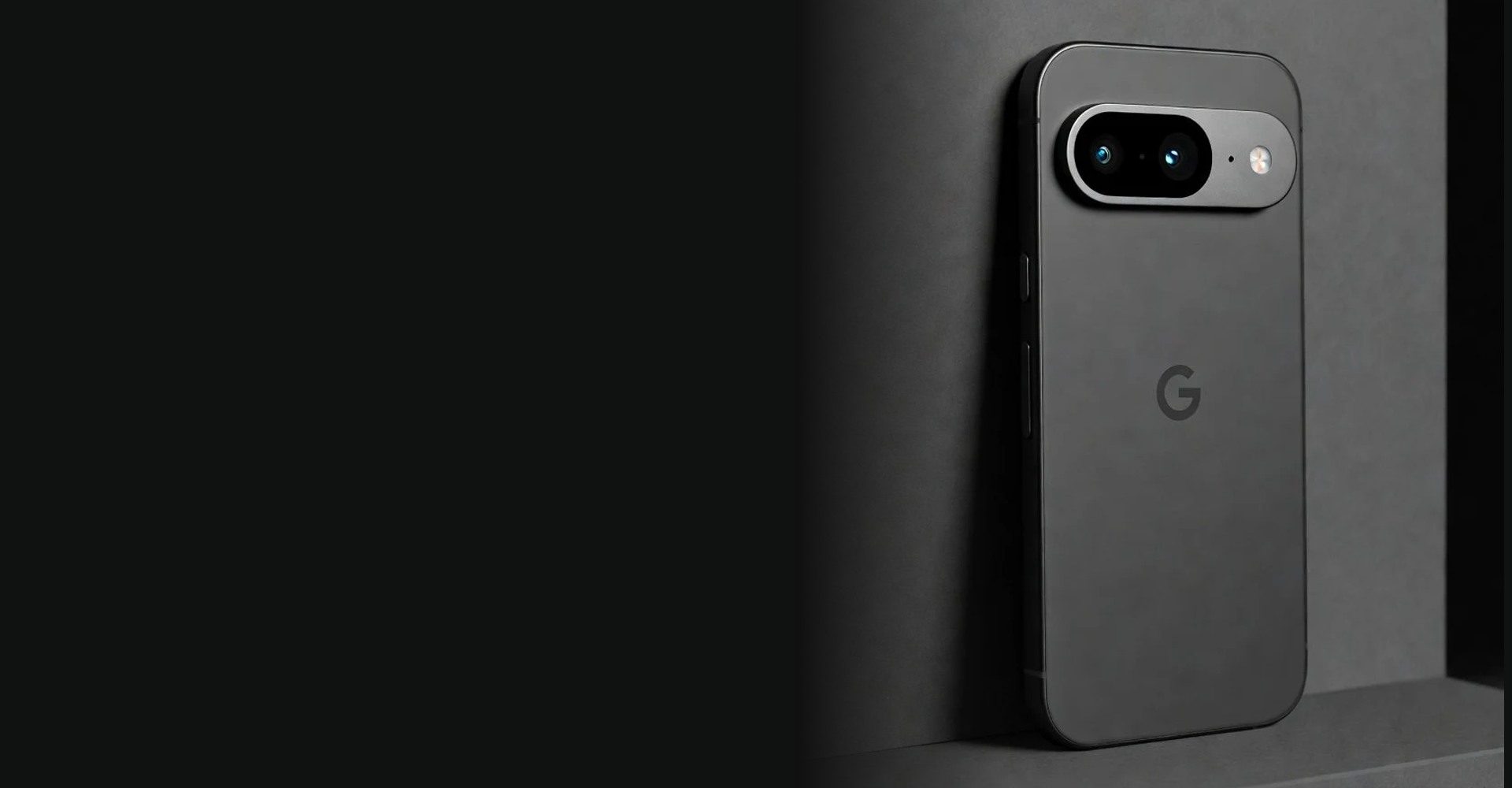
What is the Zero Ghost phone?
ZeroGhost is a privacy-focused smartphone offering built around GrapheneOS, an open-source operating system designed to improve security and give people more control over their devices. The central idea is straightforward: start with a deliberately configured phone, then choose which applications, accounts, permissions, and services belong on it. Rather than presenting privacy as a single switch, the product combines several layers of protection and everyday configuration choices.
The official ZeroGhost store describes compatible Android hardware with GrapheneOS pre-installed. It highlights application sandboxing, verified boot, permission management, and a starting configuration without Google Play Services. These are meaningful features, but they address different problems. Sandboxing limits interactions between applications; permissions govern access to sensitive resources; verified boot helps establish operating system integrity. None of those features, alone or together, makes every activity anonymous.
This review examines the seller’s published information alongside the GrapheneOS documentation. It is a source-based assessment, not a hands-on laboratory test, and the supplied product photographs are illustrative rather than evidence of measured performance. We have not independently verified battery condition, shipping, support quality, or individual app behavior. That distinction matters when choosing a security-focused device: an attractive product description should begin the evaluation, not replace it.
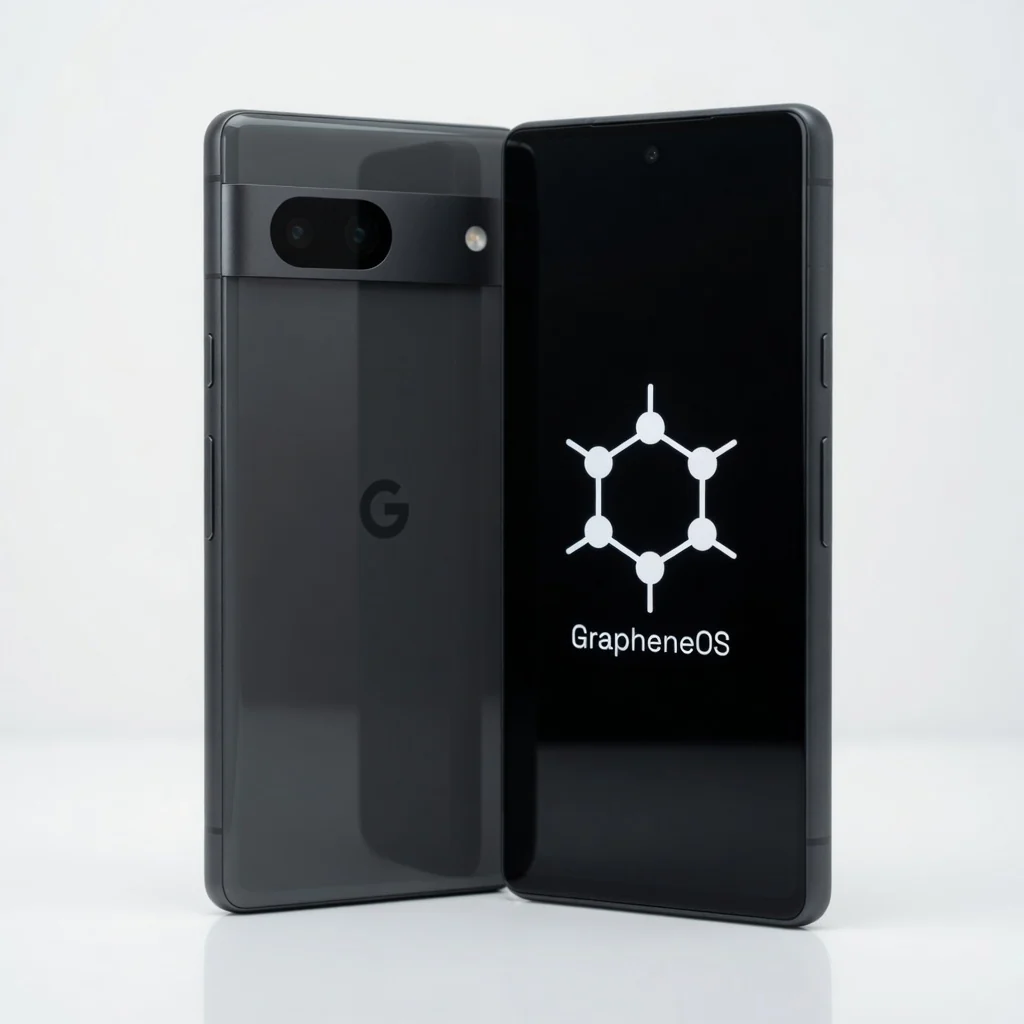
GrapheneOS: privacy with a practical purpose
GrapheneOS is the most important part of the ZeroGhost proposition. Its design builds on Android’s security architecture while adding privacy and hardening features. The experience is still recognizably a smartphone: applications, notifications, calls, a camera, and familiar settings remain part of daily use. The difference is a more intentional approach to what those applications can access and how optional services fit into the system.
It helps to separate the operating system project from the retailer. ZeroGhost sells a configured device; GrapheneOS develops the software platform. Buying a preconfigured phone can remove some installation work, but that convenience does not establish an official partnership or endorsement. Evaluate the seller’s hardware descriptions and customer policies separately from the documented capabilities of GrapheneOS. Strong software cannot automatically validate a retailer’s fulfillment or refurbishment standards.
GrapheneOS supports specific devices that meet its hardware and security requirements. Before ordering, ask for the exact underlying model and check it against the project’s current supported-device list. The remaining support period is especially important for renewed hardware. A phone that works today may be a weaker long-term choice if comprehensive hardware security updates are approaching their end. Match the device’s support runway to how long you expect to keep it.
Security is a system, not a slogan
Application sandboxing creates boundaries between installed apps and the operating system. It helps prevent one application from freely reading another’s private data or accessing protected system resources. Those boundaries are an important baseline, not a promise that malicious software becomes harmless. An app can still misuse information you intentionally give it, and granting unnecessary access can weaken the practical benefit of an otherwise carefully designed environment.
Verified boot checks the integrity of the operating system during startup. GrapheneOS supports a locked bootloader after installation on supported hardware, preserving an important part of the security model. A preconfigured purchase should therefore arrive in a properly completed state, not with installation shortcuts left behind. Ask the seller how the device is prepared, whether the bootloader is locked, and what instructions are provided for checking the setup.
Your own choices complete the picture. Use a strong screen-lock credential, install updates promptly, and obtain apps from sources you trust. Be cautious about unexpected login prompts, suspicious downloads, and requests to relax security settings. Neither GrapheneOS nor ZeroGhost can eliminate phishing, account compromise, or every software vulnerability. The most useful promise is better tools and stronger boundaries, combined with habits that make those protections meaningful.
Decide what your apps can see
Permission controls are where a privacy-focused phone becomes useful in ordinary life. Camera, microphone, contacts, and location access should follow a clear purpose rather than the assumption that every request deserves approval. A navigation app may need your location while you are using it; an unrelated utility usually needs a more convincing explanation. Reviewing those requests helps turn an abstract concern about privacy into a manageable daily decision.
GrapheneOS also documents additional controls such as Network and Sensors permissions. Network permission lets you decide whether an app can use network connections, while the Sensors control restricts access to supported sensors such as motion sensors. Storage Scopes and Contact Scopes provide more selective alternatives to broad access for compatible workflows. Availability and behavior depend on the application, configuration, and current software version, so consult the documentation when setting them up.
The right configuration is not necessarily the most restrictive one. Denying a required permission may stop an application’s core function or lead to confusing behavior. Start with the smallest amount of access that allows the task you actually need, then adjust deliberately. Revisit permissions after installing new applications, switching services, or changing how you use the phone. The advantage is informed choice, not spending every day troubleshooting settings.
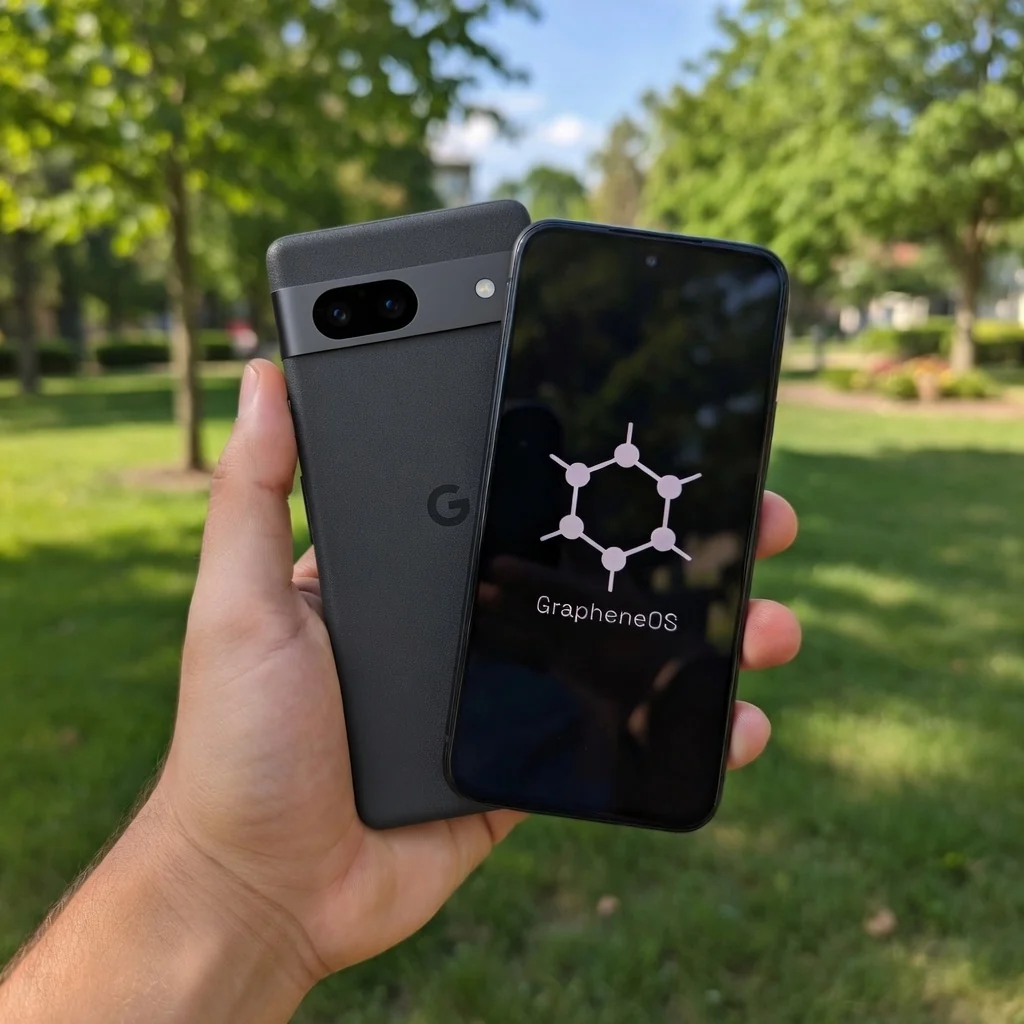
Your Android apps, on your terms
The official store describes support for compatible Android applications, which is more useful than a blanket claim that every app works. Many everyday applications can fit into a GrapheneOS setup, but dependencies differ. Notifications, mapping, payments, account sign-in, and enterprise tools may rely on particular services or verification requirements. A phone that suits one person’s messaging and browsing habits may not fit another person’s workplace or financial applications.
Google Play Services are not installed by default in the configuration described by ZeroGhost. GrapheneOS offers an optional sandboxed Google Play implementation: Google components run as ordinary applications without the special system privileges they receive on a conventional installation. This can improve compatibility while keeping them within the regular permission model. Installing them remains a choice, and using a Google account still carries the privacy implications of that account and its services.
Some applications enforce operating system or device-integrity checks that may reject an otherwise secure GrapheneOS device. Banking apps, contactless payments, company management software, and certain media services deserve a specific compatibility check before purchase. Do not assume that installing sandboxed Google Play resolves every restriction. Make a short list of essential apps and ask about their current behavior on the exact model and setup being offered.
What everyday use could look like
A sensible ZeroGhost setup begins with your real routine. Think about calling, messaging, photography, navigation, two-factor authentication, work, and entertainment before adding optional applications. Install what you need, review the requested permissions, and keep the initial setup simple. Starting with fewer apps makes it easier to understand the device and notice which services genuinely improve your day, rather than recreating years of accumulated software by default.
GrapheneOS supports separate user profiles, which can help compartmentalize different activities and app collections. You might choose to separate a small personal environment from applications that require additional services. Profiles bring practical trade-offs, including switching contexts and managing notifications or files across boundaries. They are useful when they match an actual need, not because every user must adopt an elaborate compartmentalization strategy to benefit from the phone.
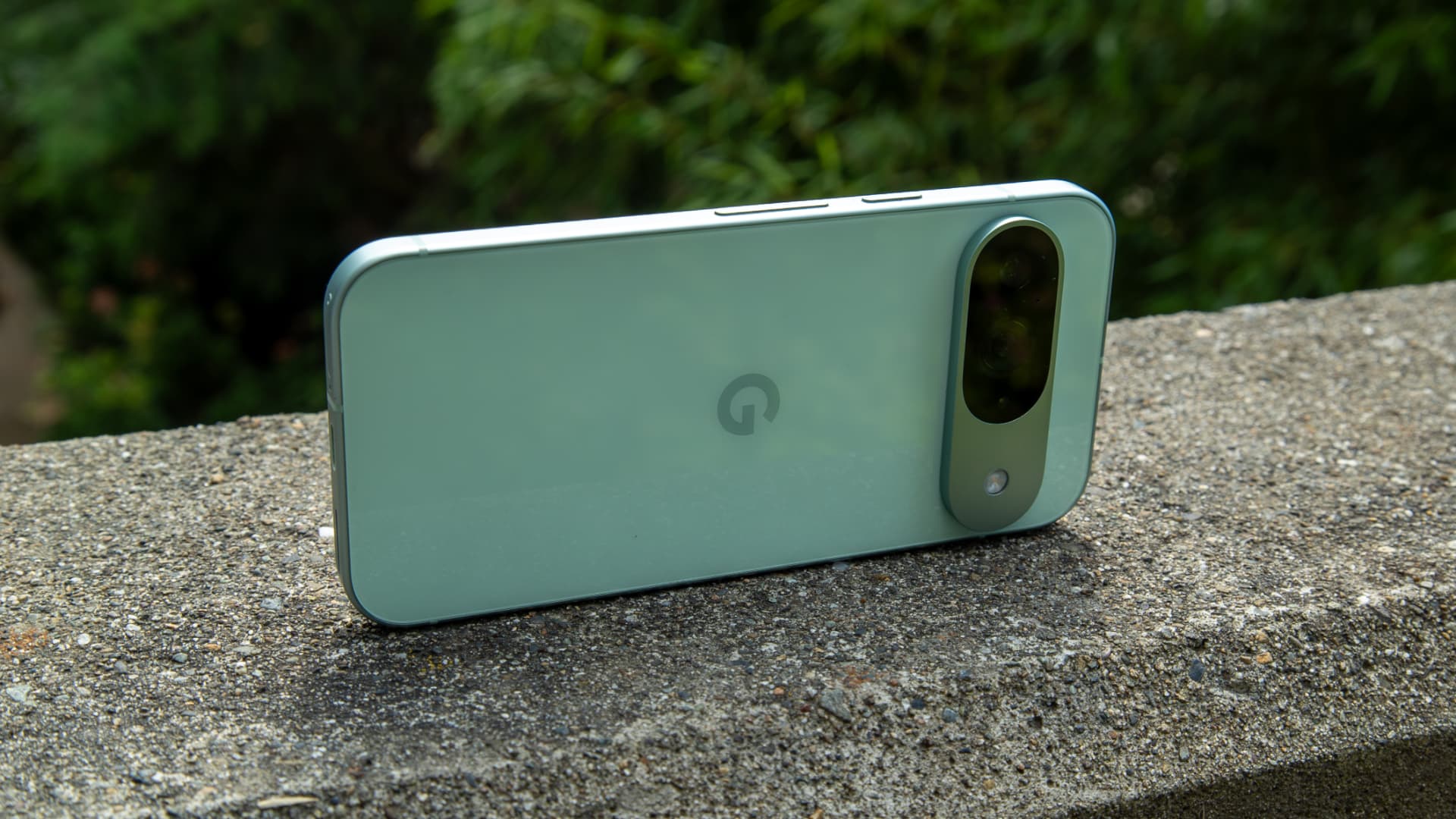
Battery life, camera results, screen quality, and responsiveness come primarily from the underlying hardware, its condition, and your workload. The supplied images show Pixel-style devices, but photographs do not establish the exact model included in an order. This review does not assign benchmark scores or claim tested battery endurance. Ask for model-specific specifications and condition information, then consider how they match your daily expectations rather than relying on the privacy branding alone.
Look beyond the model name
The store presents Zero, Stealth, and Blackout options, distinguishing them mainly through hardware condition and performance descriptions. Zero is described as renewed, Stealth as mint condition, and Blackout as brand-new hardware. Those labels are useful starting points, but they are not substitutes for an exact device specification. Confirm the underlying model, memory, storage, cosmetic grading, included accessories, and the software support period for the particular unit you intend to order.
Renewed hardware deserves especially careful questions. The seller lists a battery-capacity threshold for its renewed options and describes IMEI checks, but these are seller statements rather than measurements verified by this review. Ask how battery condition is assessed, what happens if a delivered unit falls short, and whether the written return policy covers that situation. Clear condition standards and a practical remedy matter more than a reassuring label.
Color availability, SIM or eSIM support, network bands, and carrier acceptance may vary with the actual device. Confirm compatibility with your mobile provider before transferring a number or depending on the phone for work. Also consider accessibility requirements, available storage for photos, and any accessories you already own. Choosing privacy-focused software should not require overlooking the basic hardware details that determine whether a phone fits your life.
Private does not mean invisible
A Zero Ghost phone is not an invisibility device. When a cellular radio connects to a network, the carrier still handles identifiers and network activity necessary to provide service. Websites and applications may recognize you through accounts, cookies, payments, or information you submit. A security-focused operating system can reduce certain risks and improve control, but it cannot turn identifiable online behavior into anonymous activity by itself.
The store also mentions an optional Faraday shielding sleeve. A properly functioning sleeve can reduce or block wireless signals while the phone is enclosed, but results depend on construction, frequencies, fit, and surrounding conditions. Blocking reception can also prevent calls, messages, and network-dependent services from reaching the phone. Treat it as a separate accessory with specific trade-offs, not an operating system feature or a guarantee of universal signal isolation.
Privacy is contextual. Someone trying to reduce unnecessary app access has different needs from a journalist protecting sensitive sources or a worker following employer requirements. Identify the information you want to protect and the situations that worry you, then select tools accordingly. For high-risk circumstances, specialist advice may be more appropriate than a retail product description. Avoid claims such as untraceable, completely secure, or guaranteed protection against every adversary.
Updates, maintenance, and a clean start
Security is an ongoing process, so the update lifecycle should be part of your buying decision. GrapheneOS updates depend on support for the underlying hardware and its broader firmware ecosystem. Check the official support information for the exact model, not just the retailer’s general statement that updates are available. A newer supported device can provide a longer runway, but confirm the current dates rather than assuming every model has identical coverage.
During setup, confirm that the phone runs a current release and that you understand how system updates are delivered. Decide how you will handle backups, account recovery, and a lost or damaged device before moving important data. Keep recovery codes somewhere appropriate and separate from the phone. Strong device security is more useful when you can still regain access to essential accounts after an accident or hardware failure.
A preconfigured phone should save effort without taking control away from you. Review included applications, check which accounts are present, and understand any seller-provided setup instructions. Ask whether any remote-management software is installed and whether you retain full control over updates and configuration. If a preparation step is unclear, request a written explanation. Trustworthy ownership begins with understanding what is installed and who has access, not merely accepting a polished unboxing experience.
A considered choice for privacy-minded people
ZeroGhost is worth considering if you want a GrapheneOS-based phone without managing the initial installation yourself. Its strongest proposition is practical: a deliberate starting configuration, permission awareness, application isolation, and the ability to choose compatible services. These benefits suit people who want to examine how their smartphone works rather than accept every default. The purchase makes most sense when the hardware, support lifecycle, and seller policies also meet your expectations.
It may be less suitable if you need guaranteed compatibility with every banking, payment, or workplace application, or if you expect privacy to require no decisions at all. Some people will prefer installing GrapheneOS themselves on supported hardware; others will value the convenience of a prepared device. Neither approach changes the need to check application requirements, maintain updates, and use sensible account-security habits throughout ownership.
Our source-based verdict is therefore cautiously positive about the concept, not a blanket endorsement of an untested unit or an anonymity guarantee. GrapheneOS provides a credible security-focused foundation, while ZeroGhost offers a retail route to that experience. Before ordering, verify the exact hardware, current app compatibility, condition standards, delivery arrangements, and return terms directly with the store. Choose it for greater control and a clearer setup, with realistic expectations about what a smartphone can protect.